People · Events · Communities

Quick answer: An AMS migration checklist lists every task for moving to a new association management system, in order. This one has 49 steps in seven phases: decide and plan, audit and clean data, configure, migrate and test, train and communicate, go live, and the first 90 days after launch. Sign off each phase before starting the next.
Key takeaways
-
Work in order: most data loss starts before anything is imported.
-
Seven steps are missed most often, from duplicate records to saved cards.
-
Confirm email consent before you move contacts, not after.
-
Keep the old system read-only after launch, and watch the first renewal run.
| Phase | Typical weeks | Sign-off |
|---|---|---|
| 1. Decide and plan | Before kickoff | Goals, date and budget approved |
| 2. Audit and clean your data | Weeks 1–4 | Clean data approved by the data owner |
| 3. Configure the new system | Weeks 3–8 | Configuration approved |
| 4. Migrate and test | Weeks 5–10 | Counts and totals reconciled |
| 5. Train and communicate | Weeks 6–12 | Staff trained, members told |
| 6. Go live | Launch week | Final import reconciled |
| 7. After go-live | Days 1–90 | 90-day goals reviewed |
What is an AMS migration checklist?
An AMS migration checklist is an ordered list of every task needed to move from one association management system to another, with an owner and a sign-off for each phase. It turns a project that lives in people’s heads into steps nobody can forget. This one covers 49 steps in seven phases, from the decision to 90 days after launch. For a refresher on what the system itself should do, see association management system.
Need the reasoning behind each phase? Our AMS migration project plan covers the team, the workstreams and member communication. A separate guide shows how to switch membership management software without losing data, with mapping and cleanup in depth. And how long an AMS migration takes puts real timelines on each phase.
How to use this checklist
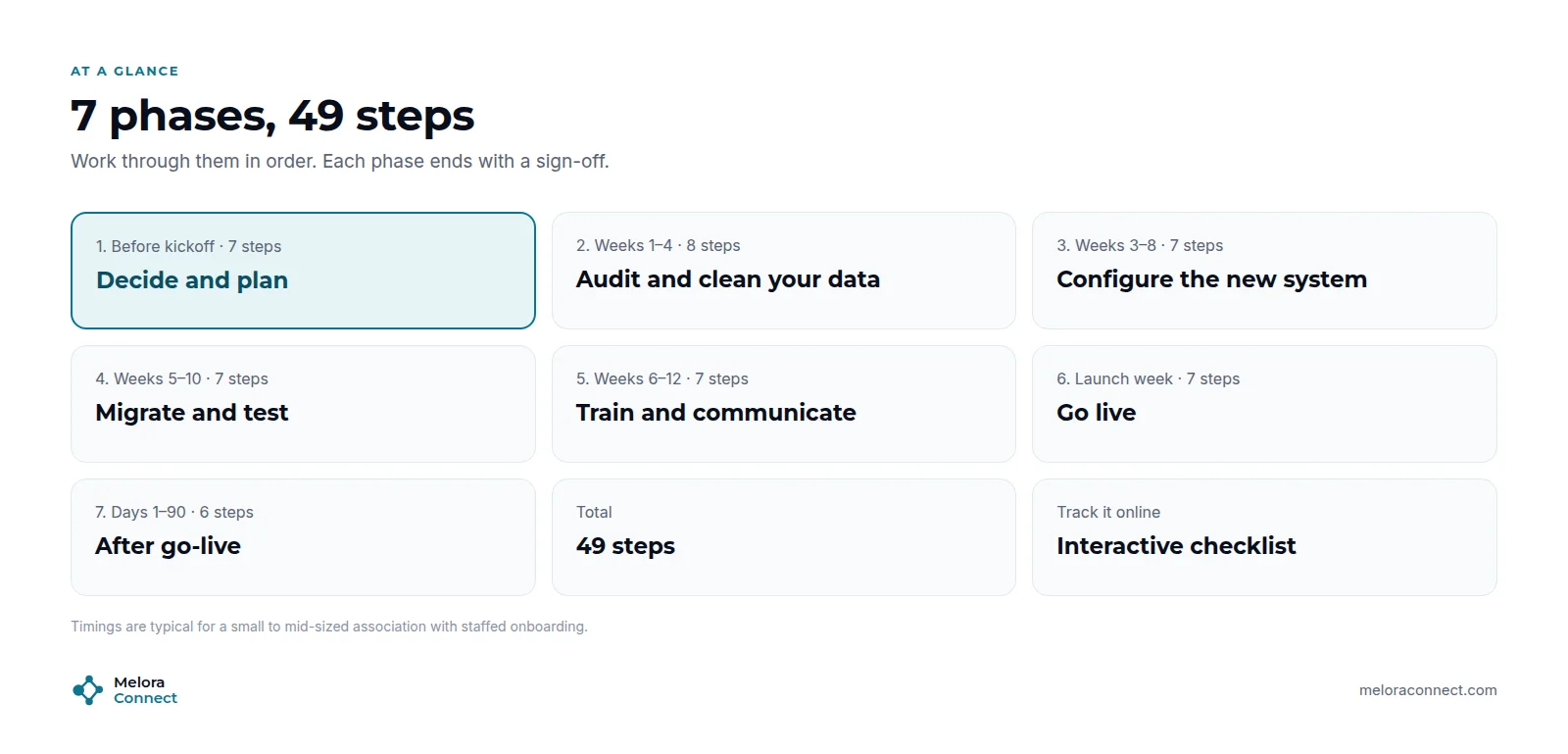
Assign an owner to every step, and treat the end of each phase as a sign-off. Steps marked Often missed are the ones teams forget most. The free interactive version lets you tick steps off, track progress by phase, switch between English, French and Spanish, and print it for your team.
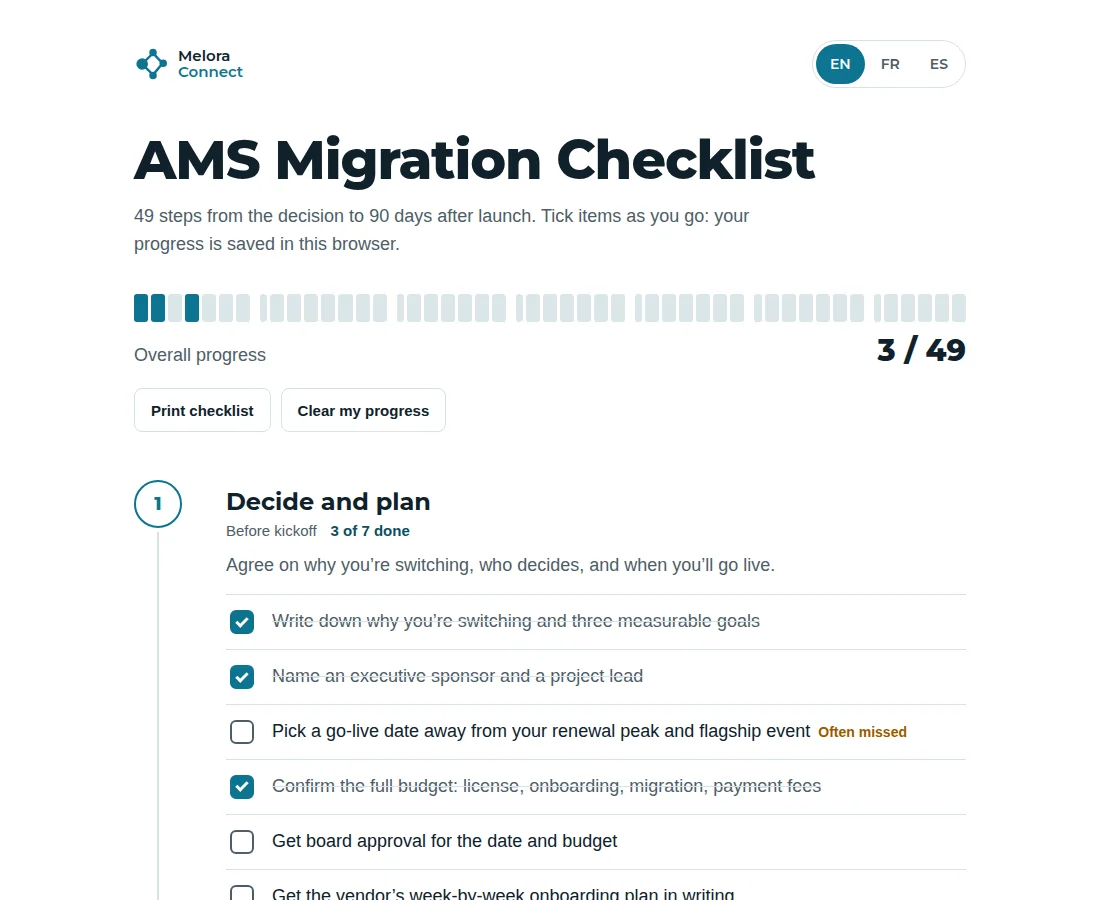
The week ranges on each phase describe a typical industry project of about 12 weeks for a mid-sized association. Industry typical is 6 to 16 weeks for small and mid-sized associations. When the vendor’s team does much of the work with you, the phases overlap more: with Melora Connect, the typical is about 30 days from signed agreement to live.
Which AMS migration steps do teams forget most?
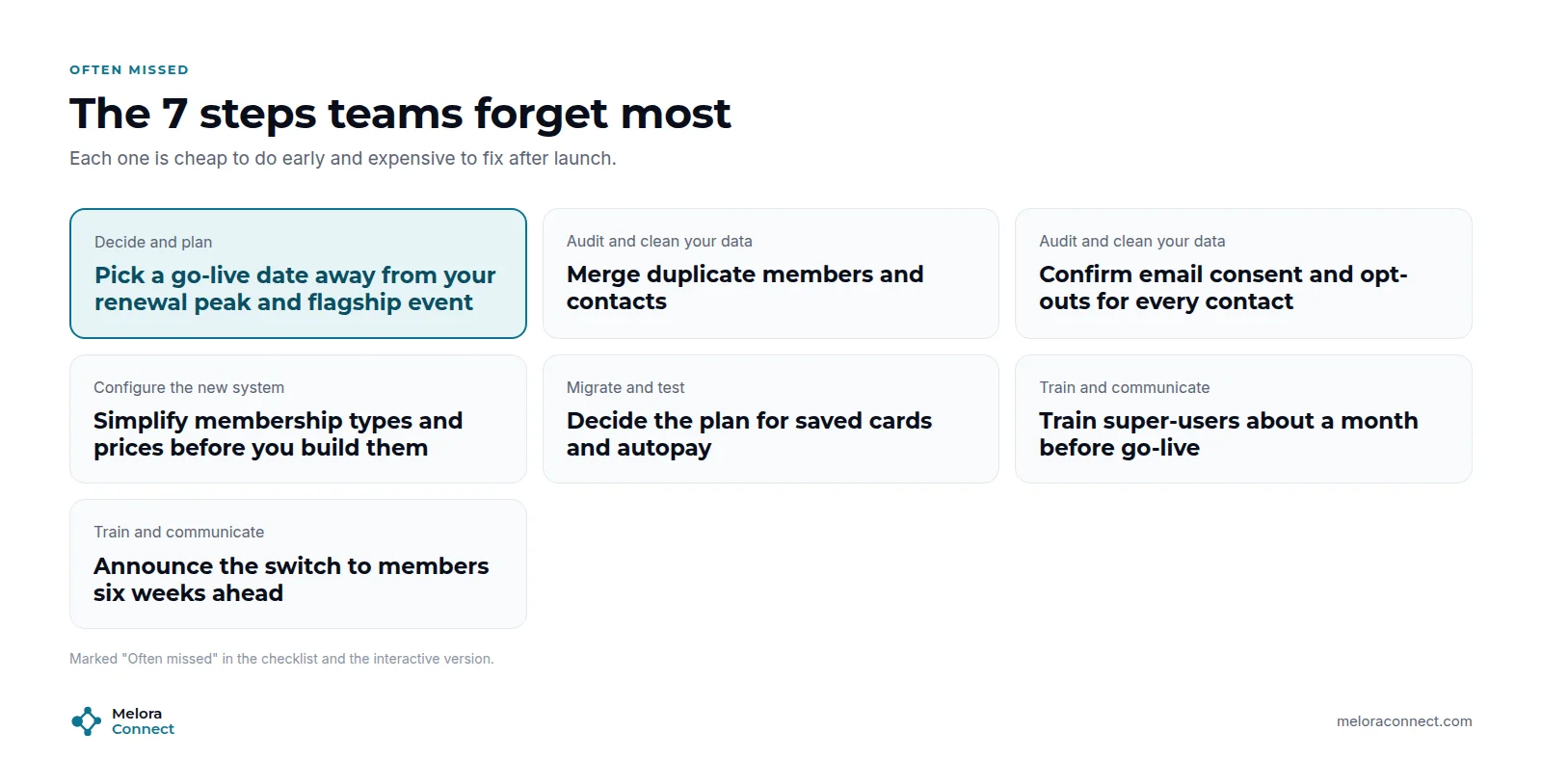
Each of these is cheap to do early and expensive to fix after launch:
-
Pick a go-live date away from your renewal peak and flagship event (Decide and plan)
-
Merge duplicate members and contacts (Audit and clean your data)
-
Confirm email consent and opt-outs for every contact (Audit and clean your data)
-
Simplify membership types and prices before you build them (Configure the new system)
-
Decide the plan for saved cards and autopay (Migrate and test)
-
Train super-users about a month before go-live (Train and communicate)
-
Announce the switch to members six weeks ahead (Train and communicate)
Phase 1: Decide and plan (before kickoff)
Agree on why you are switching, who decides, and when you will go live. Still choosing a vendor? Work through our AMS selection process first, and use the Membership Software RFP Template so every vendor puts its onboarding plan in writing.
☐ Write down why you are switching and three measurable goals
☐ Name an executive sponsor and a project lead
☐ Pick a go-live date away from your renewal peak and flagship event (Often missed)
☐ Confirm the full budget: license, onboarding, migration, payment fees
☐ Get board approval for the date and budget
☐ Get the vendor’s week-by-week onboarding plan in writing
☐ Agree who signs off data, configuration and go-live
Phase 2: Audit and clean your data (weeks 1–4)
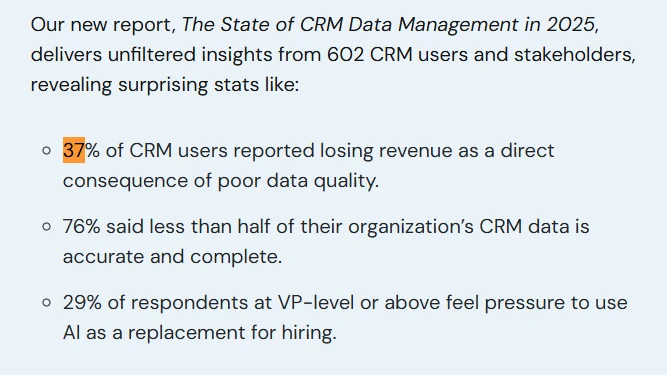
Most data loss starts here, before anything is imported. Poor data quality is common well beyond associations: in Validity’s 2025 survey of more than 600 CRM users, 37% said their organization had lost revenue as a direct result of poor data quality. Those are general CRM users, not associations, but the fix is the same: clean before you move. The Membership Data Migration Workbook gives you an inventory, a field map and validation checks to work from.
☐ List every system that holds member data
☐ Export a full backup from each one
☐ Count records in each source
☐ Merge duplicate members and contacts (Often missed)
☐ Fix missing or wrong renewal dates
☐ Standardize membership types and statuses
☐ Confirm email consent and opt-outs for every contact (Often missed)
☐ Decide what to archive instead of migrating
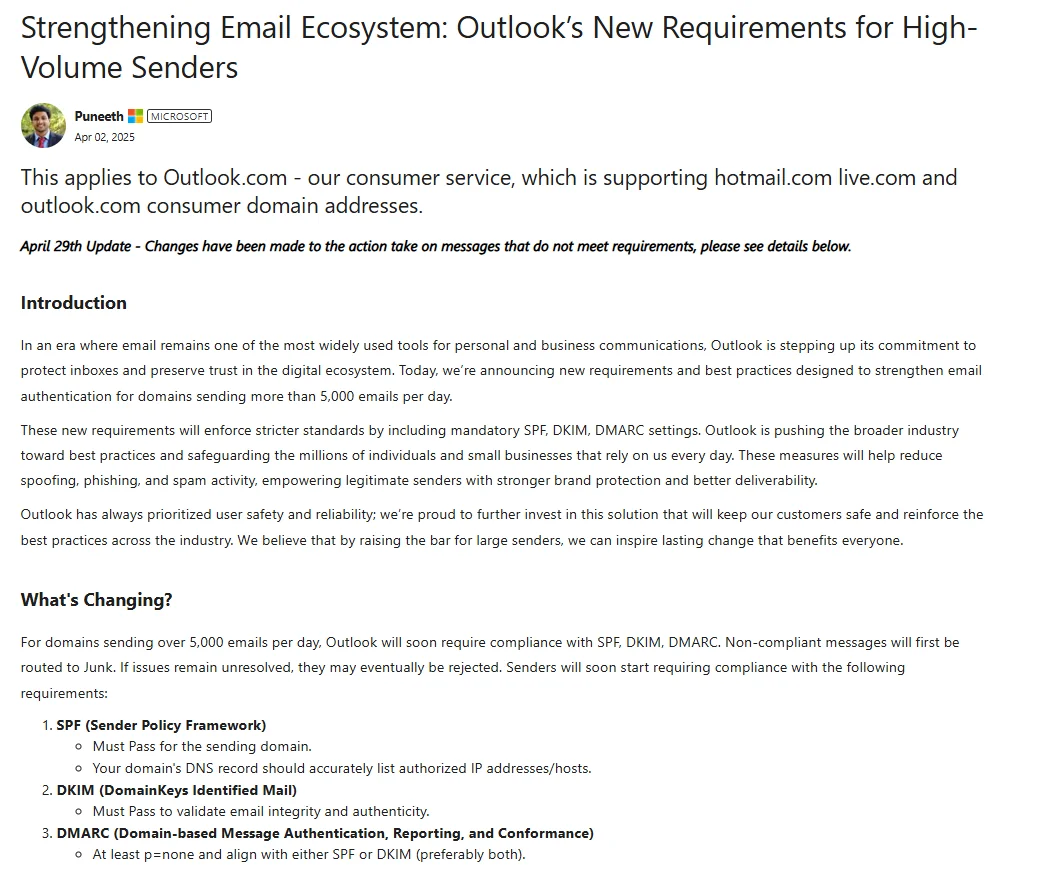
Consent matters more than it used to. Mailbox providers now enforce rules for bulk senders: since May 5, 2025, Outlook.com has required domains that send more than 5,000 messages a day to its addresses to authenticate their mail and give recipients a functional way to unsubscribe. Carrying opt-outs into the new system protects both members and your sender reputation.
Phase 3: Configure the new system (weeks 3–8)
Simplify first, then build. Do not recreate old workarounds.
☐ Simplify membership types and prices before you build them (Often missed)
☐ Set up renewal rules and reminder timing
☐ Set up invoicing, payments and the payment processor
☐ Rebuild event templates and member pricing, and connect your video-meeting tool for online events
☐ Set up chapters and continuing education (CE) credit tracking, if you use them
☐ Create email templates and member segments, and authenticate your sending domain
☐ Set up the website, directory and member portal
☐ Connect accounting and other integrations
Phase 4: Migrate and test (weeks 5–10)
Test with real records until the numbers match.
☐ Approve the field map in writing
☐ Run test import #1
☐ Spot-check 20 real member records by hand
☐ Reconcile counts and totals between old and new systems
☐ Fix the map and re-run until everything matches
☐ Test a full journey: join, renew, pay, register, refund
☐ Decide the plan for saved cards and autopay (Often missed)
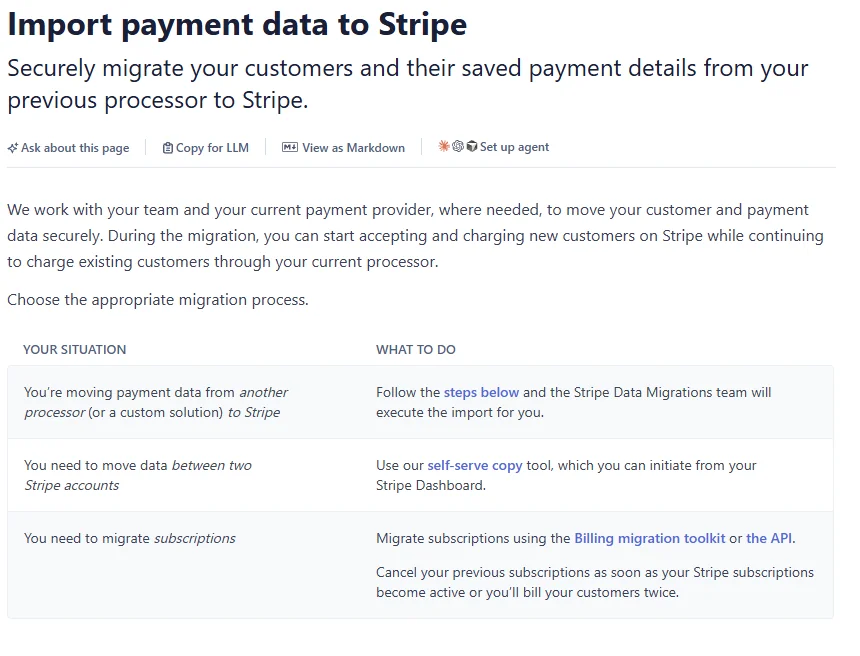
Saved cards need their own plan because card numbers cannot simply be exported into a spreadsheet. Payment processors handle the transfer between themselves. Stripe’s documentation, for example, describes a secure payment data import and warns that card updates customers make with the previous processor during the transfer window can be lost. Decide early whether cards move processor-to-processor or members re-enter them, and time the request message accordingly.
Planning an AMS migration? We will go through this checklist against your own systems and show you who does which step. Book a demo
Phase 5: Train and communicate (weeks 6–12)
Bring staff and members along before launch day.
☐ Train super-users about a month before go-live (Often missed)
☐ Run role-based training for all staff
☐ Train event-day volunteers
☐ Write short how-to notes for the 10 most common tasks
☐ Announce the switch to members six weeks ahead (Often missed)
☐ Send a reminder two weeks ahead
☐ Publish a website FAQ about the switch
Need the member messages for Phase 5? The free AMS Migration Communication Kit has nine templates you can edit for your board, staff and members, from the first announcement to the 30-day follow-up. Get the communication kit
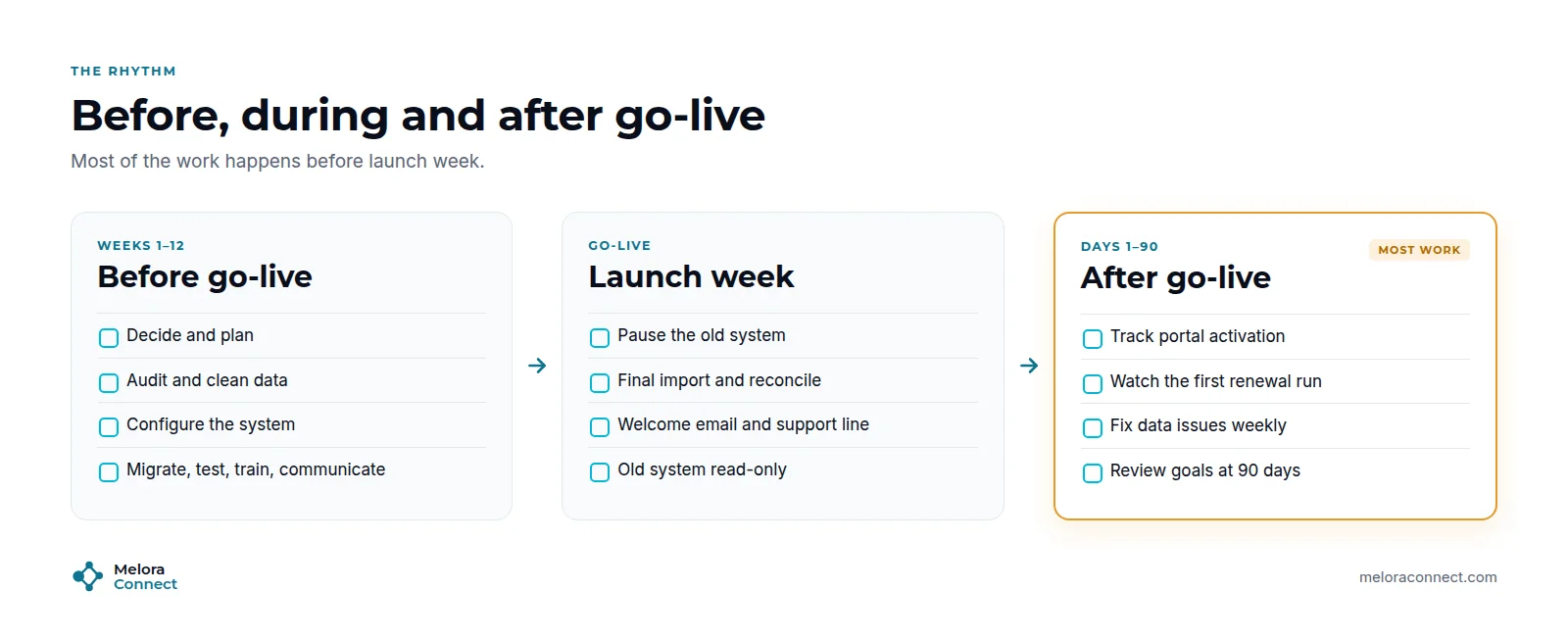
As the picture above shows, most of the work happens before launch week. The last two phases are short, but they are the ones your members notice.
Phase 6: Go live (launch week)
Switch carefully, with a person on the phone.
☐ Pause changes and payments in the old system for the cutover window
☐ Run the final import and reconcile again
☐ Update website links, forms and payment links
☐ Send the welcome and password email to members
☐ Staff a support line for launch week
☐ Set the old system to read-only
☐ Hold a short daily check-in during the first week
Phase 7: After go-live (days 1–90)
Measure, listen and close the loop.
☐ Track member portal activation
☐ Watch the first renewal run closely
☐ Log and fix data issues every week
☐ Review member support requests
☐ Send a 30-day “what we heard and changed” update
☐ Review your goals at 90 days
How Melora Connect runs this checklist with you
At Melora Connect, you do not work through this checklist alone. Our onboarding team takes on the configuration, import and test steps in Phases 3 and 4, works through cleanup and training with you, and stays with you through go-live and your first renewal run. That is what “you get a team, not a login” means in practice. Because the work is shared, our typical project runs about 30 days from signed agreement to live.
Phase 3 covers more than membership types. Chapters and CE credits are live in Melora Connect, online events connect to Zoom, and payments run through MeloraPay into your own Stripe account, so card data never touches our servers.
Phase 7 gets easier too. Imported members land in the member CRM with one record each, and smart segments for members who are new, at risk or lapsed show you in the first weeks whether the switch is working.
Frequently asked questions about AMS migration checklists
What should be on an AMS migration checklist?
An AMS migration checklist should cover seven phases: planning and governance, data audit and cleanup, configuration, migration and testing, training and communication, go-live, and post-launch follow-up. Each phase needs an owner and a sign-off. This checklist covers all seven in 49 steps.
What is the most commonly missed step?
Cleaning data before migrating it, followed by planning for saved cards and autopay, and telling members early. All three are marked “Often missed” above, along with confirming email consent, simplifying membership types and training super-users a month ahead.
How do you migrate saved cards and autopay?
Card numbers move between payment processors through a secure import, not through your spreadsheet export. Ask both processors how they transfer card data, freeze card updates during the transfer window, and tell members in advance if they will need to re-enter a card.
Do we need to check email consent before migrating?
Yes. Carry opt-outs and consent records into the new system before your first send. Major mailbox providers now require bulk senders to authenticate their mail and offer a working unsubscribe, so a clean, consented list protects your deliverability as well as your members.
Can a small association skip steps?
Combine them, do not skip them. A 300-member association might finish several steps in one afternoon, but each still needs an owner and a sign-off. The steps marked often missed are the last ones to cut.
What should happen after AMS go-live?
For 90 days, track member portal activation, watch the first renewal run, fix data issues weekly, review support requests, send a 30-day update to members, and review your original goals at 90 days. Keep the old system read-only until then.
The bottom line
An AMS migration succeeds when nothing is left to memory. Work through the seven phases in order, get each one signed off, and pay extra attention to the steps marked often missed. Then measure what changed in the 90 days after launch.
Free tool: Migration Timeline Estimator. Put dates on these seven phases. Answer seven questions and get a timeline for each phase and a suggested go-live date, in English, French and Spanish. Open the estimator
Let our team take Phases 3 and 4 off your list. See how configuration, imports and testing work with Melora Connect’s onboarding team. Book a demo
Sources
-
Validity, The State of CRM Data Management in 2025, 2025.
-
Microsoft Tech Community, Strengthening Email Ecosystem: Outlook’s New Requirements for High-Volume Senders, April 2, 2025 (updated April 29, 2025).
-
Stripe Docs, Request a payment data import, current documentation checked November 2, 2026.